Blog - foXnoMad

Do You Want To Travel Around The World? [POLL RESULTS]

It seems that most of you reading are itching to leave your desks behind to travel the world. When I asked this question last month I didn’t think the results would be so overwhelming.

do you want to travel around the world

On Monday I’ll take a look at why you will, or won’t be able to leave everything and pack up to travel the world.

An Amateur’s Guide to Location Independence [Part 3 of 3]

In Part 1 you got the basic hardware and software to get started working and in Part 2 took it to the next level with virtual machines and off site backups. Today for the 3rd and final part of the series I’ll run down some basic security and budget tools as well as good online time wasters for your location independent mobile office.

working on a laptop at the beach

Security

There are a number of other laptop anti-theft, tracking, and cool security software that I wanted to include, but weren’t essential for a mobile office. If you’re curious, send me an email or ask away in the comments. I highly recommend TrueCrypt for all laptops and if you’ve got a Windows machine don’t leave it without anti-virus software.

  • TrueCrypt – Encrypt your entire hard drive, specific files and folders, as well as USB drives (for free). The only overhead you’ll have is an extra password for access.
  • Avast! Anti-Virus and SuperAntiSpyware – For Windows only (both free). On Macs and Linux machines you can forgo these types of programs, for now.

mint com logoBudgets

Wasting Time

Everyone who works in front of a computer wastes time, whether you’re location independent or not. You don’t want your mobile office to be lacking of this essential creative zoning out time so waste time efficiently.

  • Twitter – Even the most reluctant realize how useful yet what a time pit Twitter can be. There are so many different ways to absorb it and TweetDeck and TwitterFox are only 2 examples. Come find me on Twitter if you haven’t already.
  • TravBuddies GeoQuiz – Dan who will be leaving the UK in August to travel the world, which you can read about on his travel blog Dan’s Adventure, suggests this fun online time waster. See how much your travels have taught you about the world and test your knowledge while avoiding actual work.
  • polaroidsFlip Through Pictures – Dan (who’s been a big help in this series) suggests looking at geotagged photos from Flickr and loc.alize.us (which has a bit more variety). Aside from his blog, you can find more useful tips from Dan by following him on Twitter @DansAdventure.
  • Be Lazier – Read my other blog for ways to do less and not feel guilty about it.

Here are 10 other online time wasters – how do you pass the time online when you’re not working or traveling?

More Information On Location Independence

There are a number of good resources, blogs, and websites to help you with your technical and other questions about the location independent lifestyle and digital nomad tips. Here are just some of the few, and I invite you to drop your links in the comments if you recommend yourself or others.

Location Independence is A Few Clicks Away

While this series on an amateur’s guide to location independence is by no means comprehensive it will cover most of your basic location independent office needs. For (almost) nothing you can convert your laptop into a powerful IT department with the best manager you have with you – yourself.

All you need to work and travel fits in your backpack and rests within your head.

[photos by: zzatras777, Spencer Finnley]

An Amateur’s Guide to Location Independence [Part 2 of 3]

In Part 1 you got set up with your basic hardware and software tools to begin working, writing, and editing pictures. Today I’d like to show you how to expand your hardware with virtual machines and backup your data off site in case of trouble.

working at the beach

Virtual Machines

Virtual machines are a lot like they sound – little independent software computers that you can run on your laptop. Virtual machines let you install multiple operating systems and test bootleg software to make sure it won’t screw up your actual laptop.

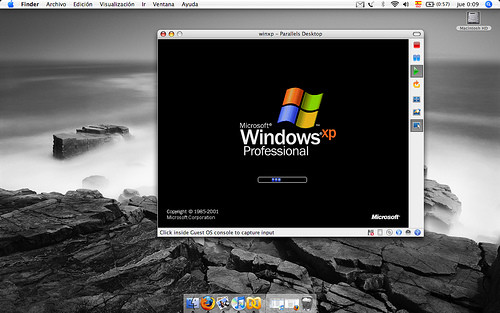
parallels desktopThere are two good free virtual machine programs you can use to run, for example, Windows on your Mac, or Linux on your Windows machine, or just set up a virtual computer to play around with.
  • Virtual PC – This program makes it easy to set up new virtual computers. Virtual PC is probably the simplest virtual machine software you’ll find, it’s free, and runs on Mac too.
  • VMware Player – Gives you more configuration options than Virtual PC, VMware lets you have more control over your hardware devices. It’s also free.
  • Parallels – It’s not free but Parallels is the best program for Mac to run Windows virtual machines. It costs $80 but if you’ll be using Windows often on your Mac, Parallels makes better use of your computer resources than Virtual PC.

Keep in mind that while the virtual machine software might be free you still would need to pay for any additional operating system (i.e. Windows) licenses. Most Linux distributions can be downloaded for free but you’ll still need to get a hold of them – the virtual machine software won’t come preloaded with an OS in most cases. (Thanks Dan, I had  forgotten to add this important point.)

Backups

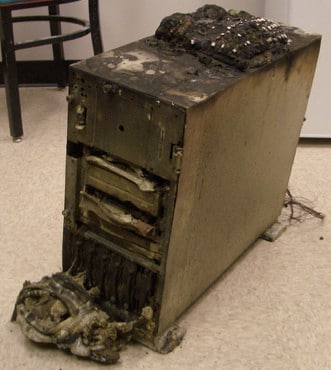
toasted computerSo often neglected until your laptop is confiscated by the TSA or you forget to save your personal drafts, backups are crucial because your hard drives will fail, your laptop will get wet, and you’ll plain misplace files and accidentally delete stuff.

When big companies backup they data they do so at a separate location from where the data is processed. For you amateur digital nomads this means not just backing up things to your laptop – because if your laptop dies then your backups are gone too – but storing them in a secure location somewhere else. You don’t need to deal with physical backups, there are several options for backing up your data online.

  • SyncBackSE – If you have a self-hosted blog you can use the storage space you have there. Set up automated daily backups via FTP on your Windows machines using this free program.
    • On Macs, Time Machine works well to backup to external drives but can’t backup via FTP. Mac users should check out Transmit (also free).
  • Mozy – Free up to 2GB of storage over an encrypted channel Mozy is an excellent off site backup tool. For $4.95 a month you get unlimited storage space.
  • Gmail – They’ve recently increased the amount of space you can send and receive to 25 megabytes. Windows users you can backup your Gmail emails and attachments using the free Gmail Backup tool.

Blog Backups

Travel bloggers, if you’re using WordPress your can use the plugin WP DB-Backup to schedule automatic backups of your blog posts, comments, and settings. WordPress versions 2.8 and above come with the plugin included, all you need to do is activate and set it up (Tools > Backups).

Backups are critical, don’t wait until your hard drive crashes and you lose all of your data to learn this lesson –  especially if your laptop is your financial lifeline! In Part 3 I’ll wrap up this series with security essentials, sound budgeting advice, and (as if you need it) other ways to waste time take a break online during a busy day of location independent work.

[photos by: zzatras777, alpoma, alexmuse]

An Amateur’s Guide to Location Independence [Part 1 of 3]

You can set up a virtual office anywhere in the world and maintain it like a professional IT department and become a location independent worker. Whether you plan on doing freelance work, are traveling on business, or trying to make money with your travel blog, your entire mobile office can fit into your backpack while giving you everything a fancy corporate IT department can.

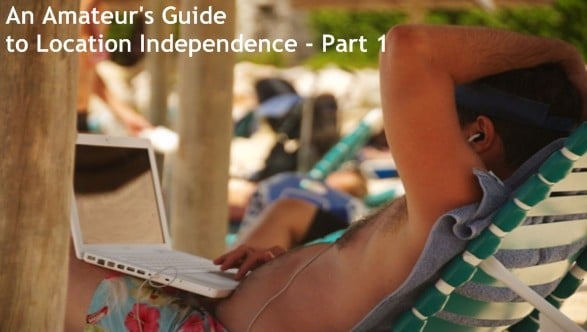
working at the beach

Being your own location independent IT department includes getting the right hardware and software, staying connected, and keeping things going in case of a disaster. On a very small travelers budget you can do all of this and more.

Hardware

Depending on what kind of work you do your needs will vary, but for the majority of digital nomads you don’t need a lot of computing power or expensive devices to work and get paid while you travel. These are the bare bones you’ll need for your mobile office.

Essentials

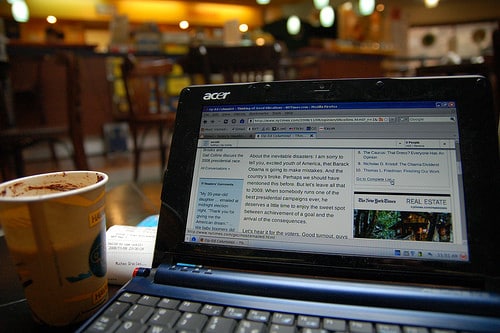
  • working at the airport on a laptopLaptop – An obvious and essential component of any location independent office. (As for what laptop to buy it varies based on your budget and situation. The comments are a good place to ask other travelers about their recommendations.)
  • A Cheap Cell Phone – Get yourself the cheapest Nokia you can find it and learn how to unlock it.
  • Long Range USB Antenna – Extend the wi-fi range of your laptop to snag more wireless networks (that are hopefully open). These antennas are a good way to bum wi-fi signals from the road.
  • USB Drive – The biggest capacity you can afford – good for quick backups, running applications, and keeping personal data secure.

I’d also consider a webcam to be close to essential for your mobile office. It helps business when your clients can not only hear your voice but see you from time to time. Office morale (aka. your morale) is also important and a webcam can keep your family and friends close, even when you’re not. (Just make sure to get your mom one too.)

Software

I’ve written previously about the essential software tools for digital nomads and 12 applications that fit on a USB drive for travelers. There are a few other free software tools that will help you get your work done.

Writing

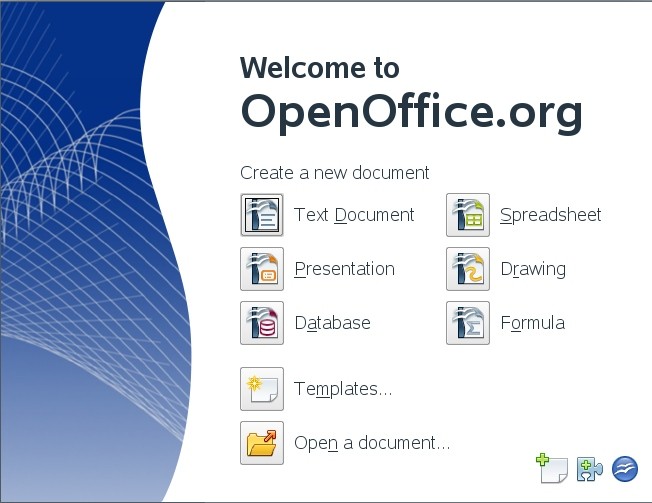
  • welcome to openofficeOpenoffice.org – This suite similar to Microsoft’s Office has a text editor (like Word), versatile spreadsheet program (like Excel), and presentation software (like PowerPoint) is absolutely free.
  • Thunderbird – Mozilla’s answer to Microsoft Outlook, Thunderbird is free and can be used to set up multiple email accounts. Gmail can also be used to create temporary email travel accounts over a secured channel in 5 easy steps.

Photo Editing

  • Paint.NET – Instead of shelling out a ton of cash on Adobe’s Photoshop, this free photo editing software does a bit more than the basic paint program that comes with Windows. Paint is good enough for amateur photo editing and is very easy to use.
  • GIMP – More powerful than Paint.NET this free program comes in a portable version that you can run from your USB drive.
  • Artweaver – Admittedly, once you’ve used Photoshop for any length of time it’s hard to get used to a new program. Artweaver is free and looks and feels a lot like Photoshop.

Bootleg Software

While I don’t advocate purchasing bootleg or illegal software which can be found in many countries quite easily, many of you do and will anyway. Protect your laptop from viruses, malicious software, and other nasty programs that often accompany pirated programs and DVDs by learning about virtual machines.

This basic hardware and software will get your mobile office up and running, connected, and working with a few downloads.

Tomorrow in Part 2 I’ll show you what virtual machines are and how to use them to protect yourself from bootleg software and create virtual environments to get more work done. I’ll also share some free and easy ways to backup your data in a safe location.

[photos by: zzathras777, alex-s]

Daily Email Updates Improved

daily email updatesI was going to post last Thursday that all of my attempts at improving the daily email updates with post titles instead of generic subject lines simply didn’t work. I had worked hard to make this possible but it was creating too many problems – then…Google solved the problem for me.
So for those of you currently subscribed you’ll notice that my daily email updates will now have the subject line ‘Daily Update: [Post Title]’. Many of you had written me asking for to make this change and I’m glad it finally happened.

If you’d like to have my posts sent to you via email daily (and find out about my next contest this week) you can sign up below.

Receive email updates:

Galapagos Basics

This guest post is  by Ker & Downey. A luxury travel company servicing not only South America, but other exotic locations around the world.

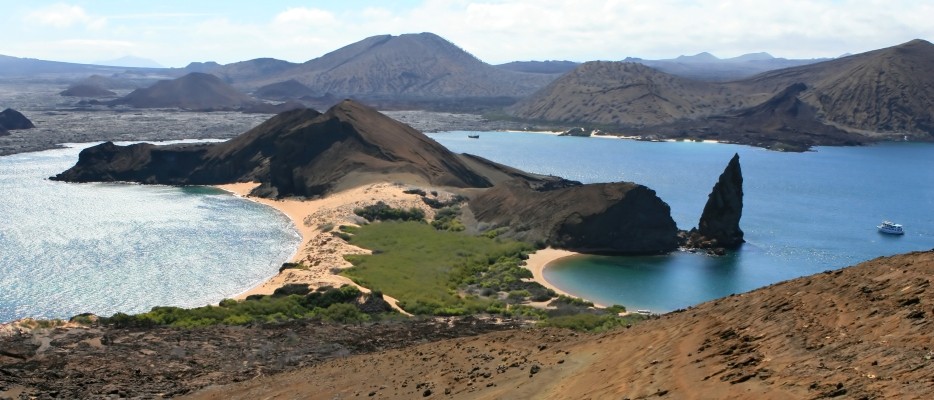
galapagos

Known for being the first place to be named a UNESCO (United Nations Educational, Scientific, and Cultural Organization) World Heritage Site, the Galapagos Islands sit roughly 600 miles west of Ecuador in the Pacific Ocean. The inspiration behind Charles Darwin’s theory of evolution, the islands have an immense amount of wildlife spread across the 19 different islands.

Lovers of wildlife will want to explore every inch of the island chain. Every bit of uninhabited land is part of a national park, and the islands possess the second largest marine reserve in the world, smaller only to the Great Barrier Reef. The islands are also a whale sanctuary, as well as contain some unique species of animal such as the Galapagos tortoise, blue-footed booby, waved albatross, and Galapagos sea lions. A cornucopia of flora and fauna await your exploration at Galapagos!

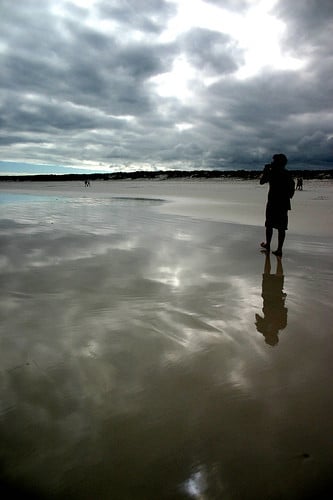
profile on galapagos beachIf it’s the flora you’re after, Galapagos has four distinct zones: humid, transition, dry and coastal. Each zone contains it’s own species of life different than the others. Marshlands and other water loving plants inhabit the humid zone. The dry zone leaves the land fairly clear of vegetation, but allows you to examine the volcanic properties that make up the islands. The coastal zones make up all of the land around beaches, and contain their own special areas of flora.

The islands were first discovered in the late 1600s by pirate Ambrose Cowley, who proceeded to name some of the 19 discovered islands after one of his fellow pirates: Baltra, Bartolome, Darwin, Espanola, Fernandina, Floreana, Genovesa, Isabela, Marchena, North Seymour, Pinzon, Pinta, Rabida, San Cristobal, Santa Cruz, Santa Fe, Santiago, South Plaza, and Wolf. Each island holds it’s own special flora and fauna unique to itself. Espanola Island is the oldest of them all, ringing in at 3.5 million years old, and it is also the southernmost island in the archipelago. The waved albatross make their home on this particular island, and use it’s topography to aid their flight to the Ecuadorian coast for feeding time.

While the islands to hug the equator, that doesn’t mean that everything you would associate with a temperate climate are located on the islands. Ever think you’d see a penguin on your island getaway? The Galapagos penguin make their homes on Bartolome, Fernandia, San Cristobal and Santa Cruz islands, and can be seen diving for food. The marine iguana can also be sen on Bartolome, Santa Cruz and Santiago islands, and is the only marine lizard in the world!

The best way to explore the islands is, of course, aboard a cruise. A ship like the M/V Galapagos Legend isn’t what you might think a typical cruise ship is like: there is only room for 100 passengers on the M/V Galapagos Legend, and even room for less than that on some of the other ships, ensuring that your once in a lifetime getaway to Galapagos won’t be hectic and overcrowded. What better way to take a luxury vacation and explore a part of the world on the shortlist to become a part of the seven wonders of the world.

[photo by: dn lpnsk]

About Anil Polat

foxnomad aboutHi, I'm Anil. foXnoMad is where I combine travel and tech to help you travel smarter. I'm on a journey to every country in the world and you're invited to join the adventure! Read More

YouTube Twitter Instagram Facebook

Image Map

Image Map
10 Shares
Share
Tweet
Pin